
Practice together with the sound of real instruments.
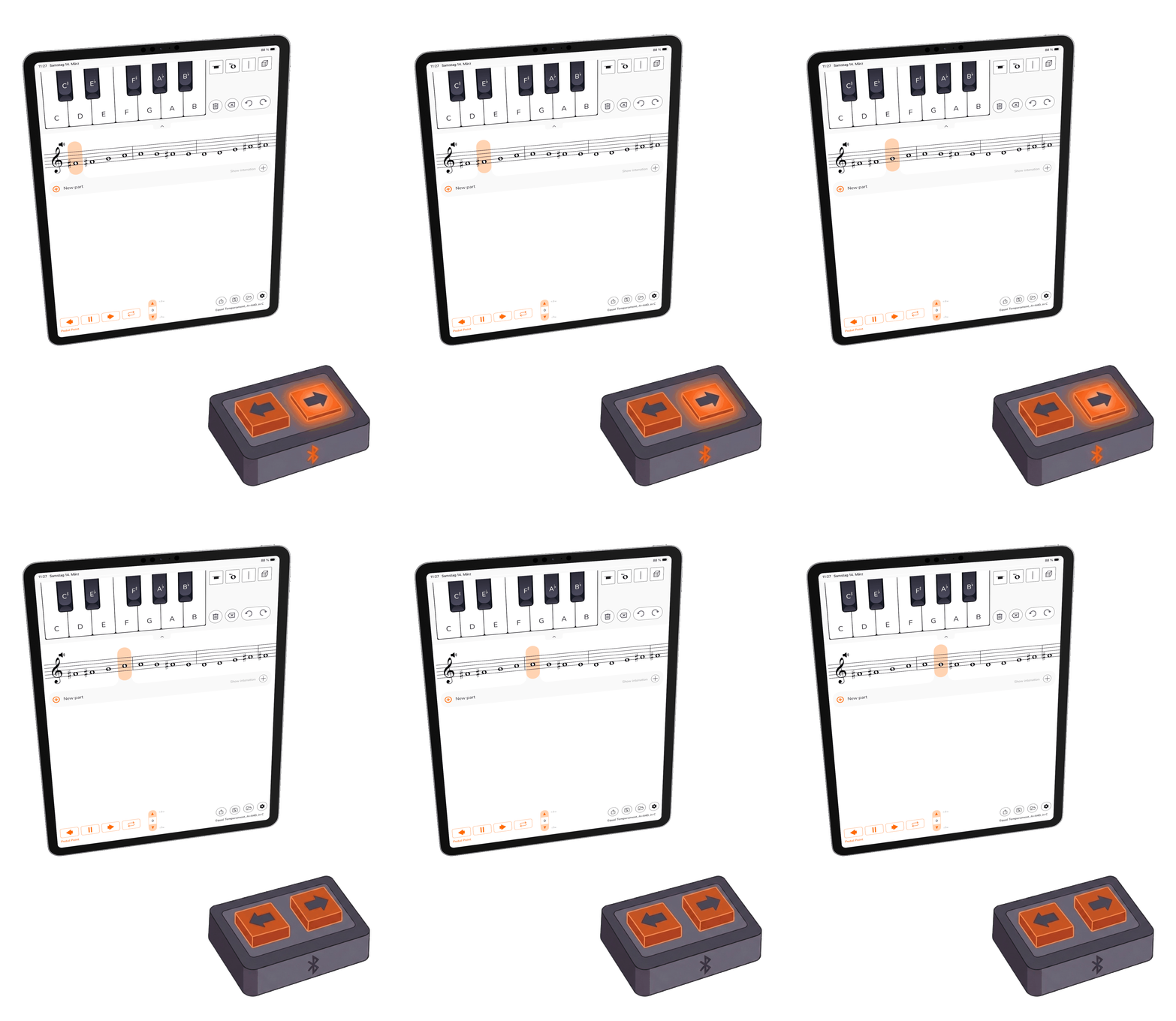
Change your reference tones hands-free using your bluetooth pedal.
The App is free. No Ads or In-App Purchases.
Have fun using it!
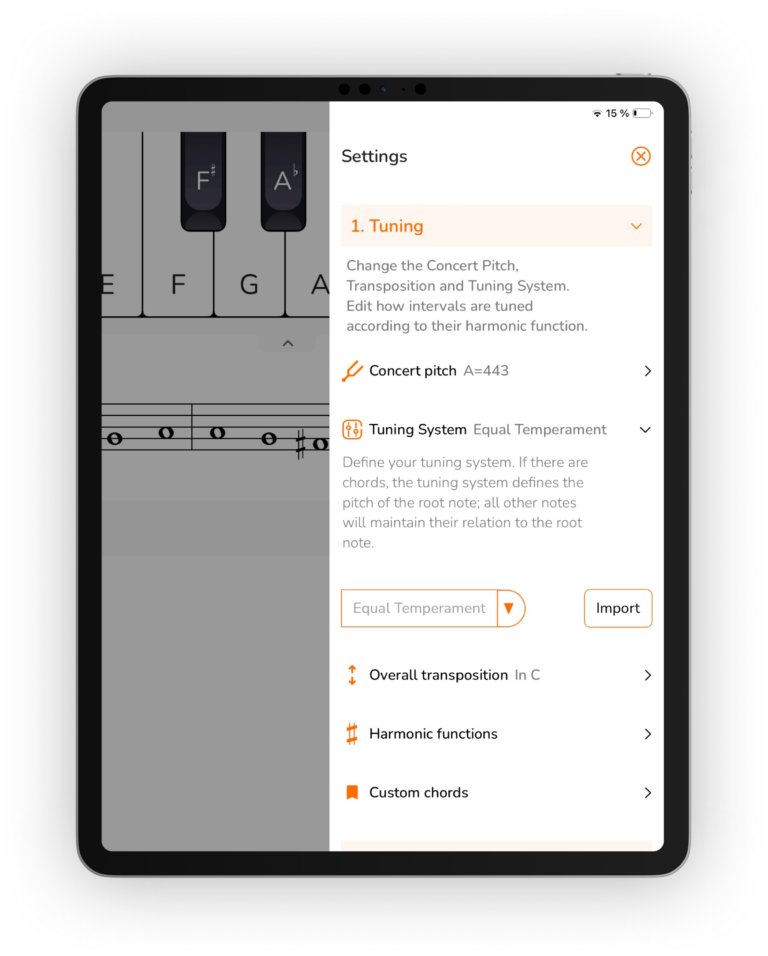
Choose the concert pitch that you are working with, e.g. A = 443 Hz. The app also allows you to do a transposition. If you are playing for example the Bb-Clarinet, you can use the app most comfortably in Bb. If you are using a historic tuning, the app allows you to go down to A = 411 Hz.
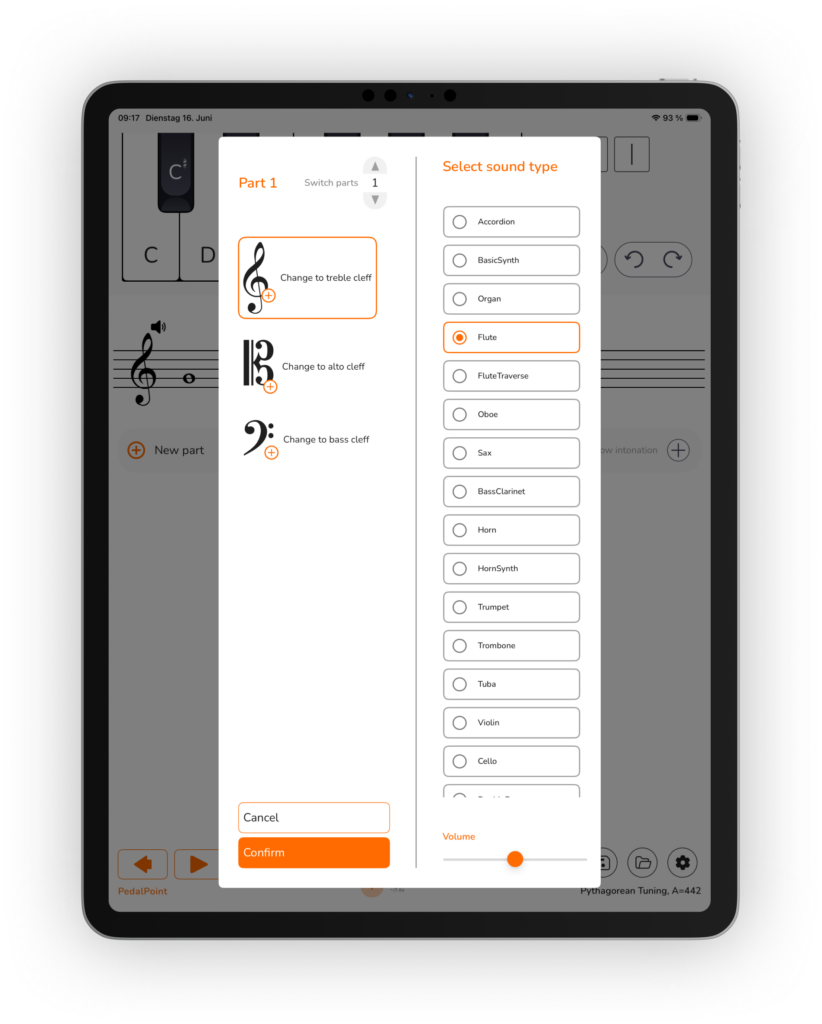
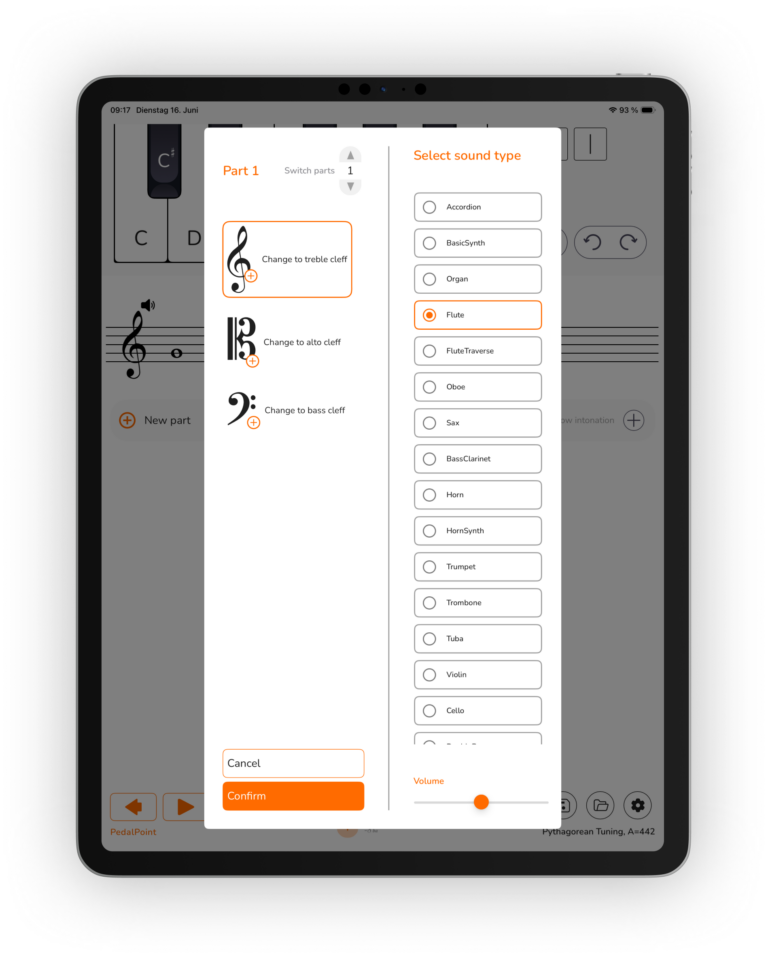
Choose the sound from a selection of over 15 instruments. The Library is carefully crafted from studio recordings of professional musicians. Each sound can be sustained infinetely as a drone. Eliminating the audible loop point required more than refinement — after a year of development, we achieved a major breakthrough! Our innovative playback engine provides a perfect prolongation of any sound.
You can select different sound for each part to hear how your sound mixes in ensemble.
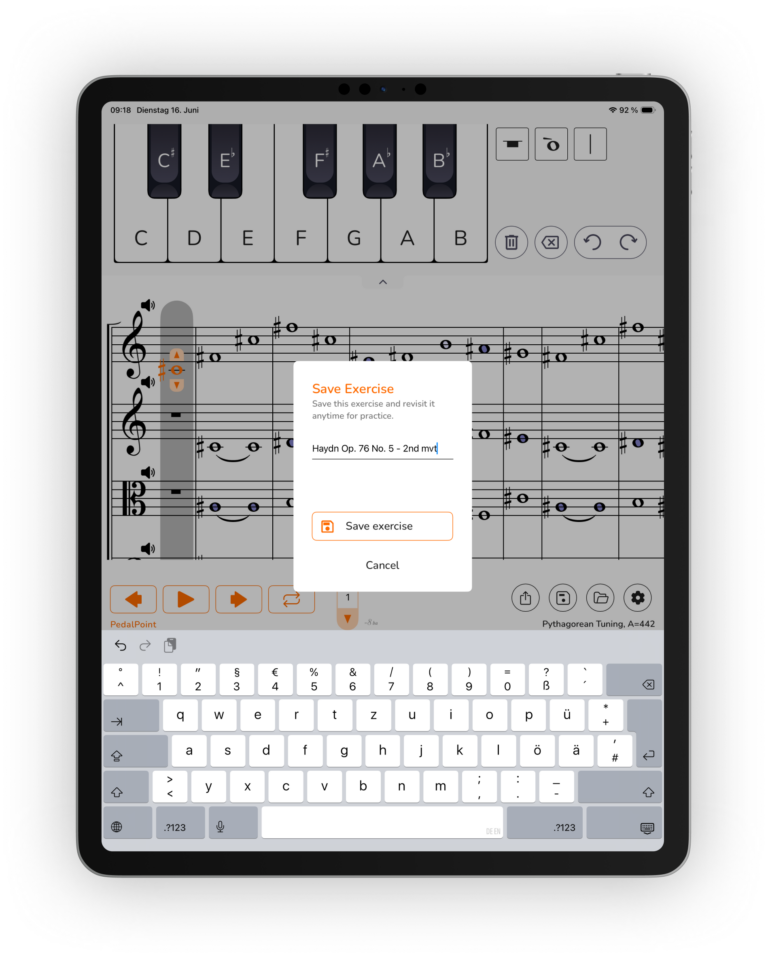
Save your exercises in the app to quickly access them in your future sessions. Share the exercise with your colleagues via AirDrop or send it as a file.
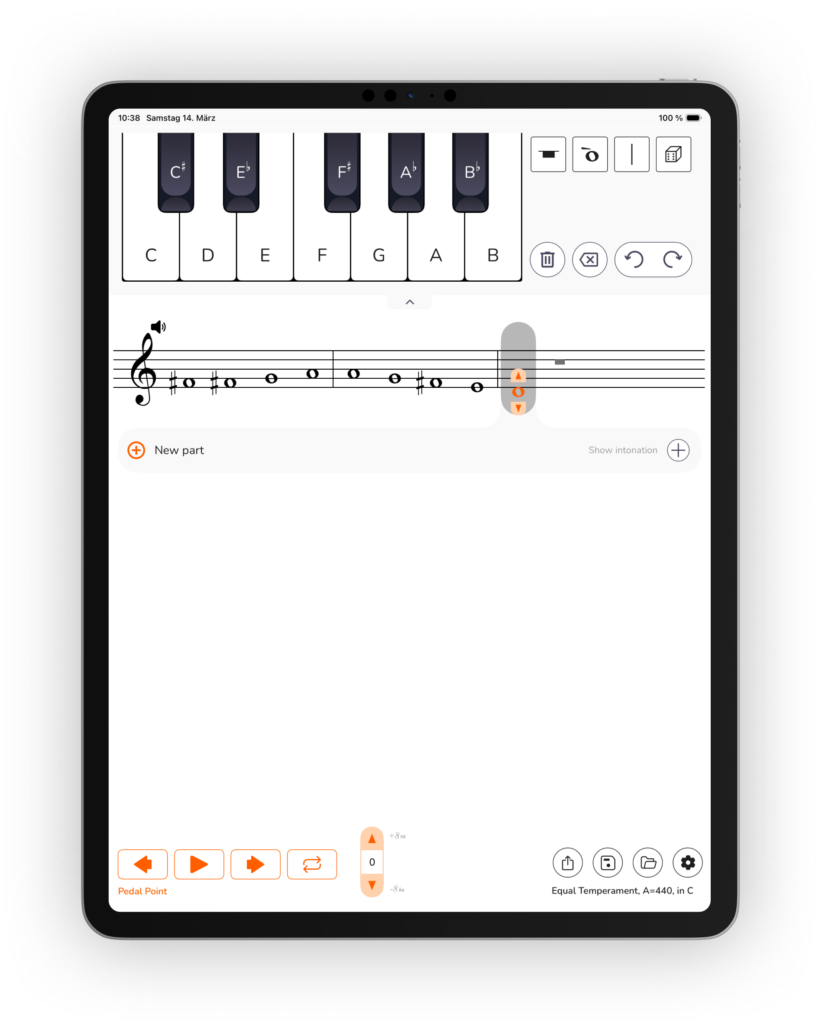
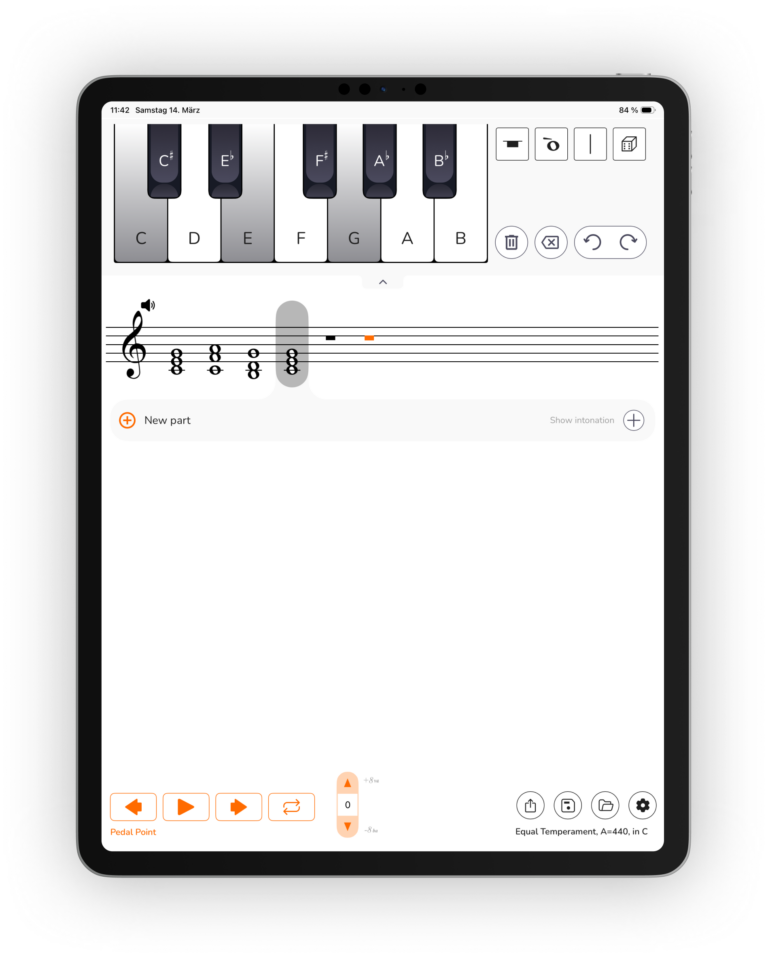
Use the piano keyboard to type in a sequence of notes or chords. Use the drag and drop function to insert a note in the middle. Use the multitouch function to insert a chord.
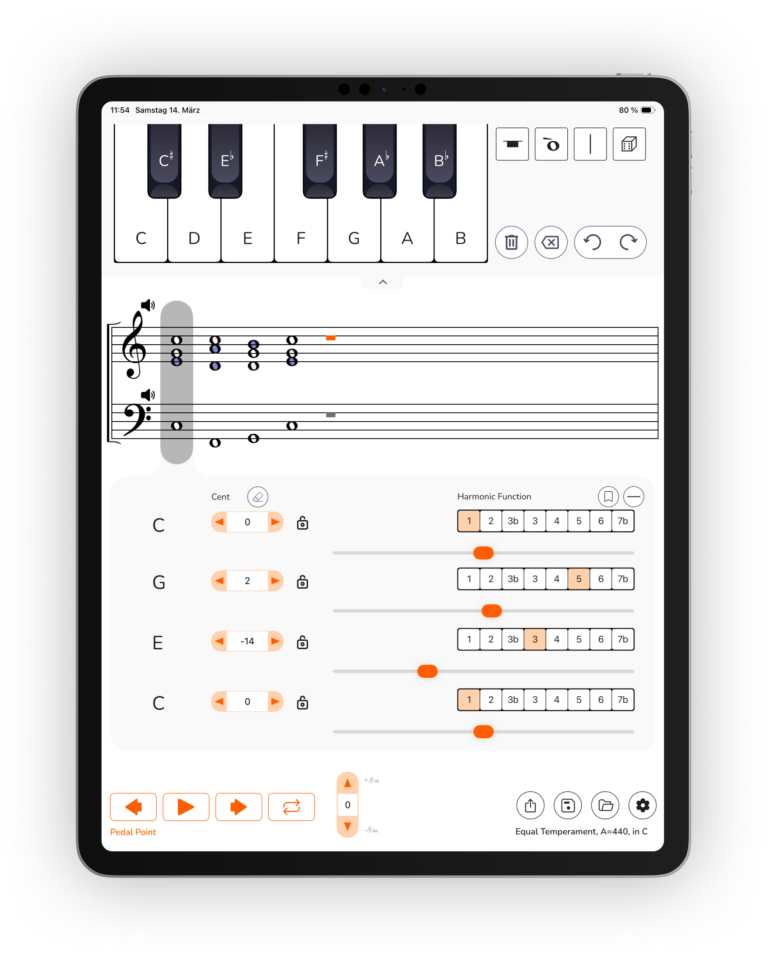
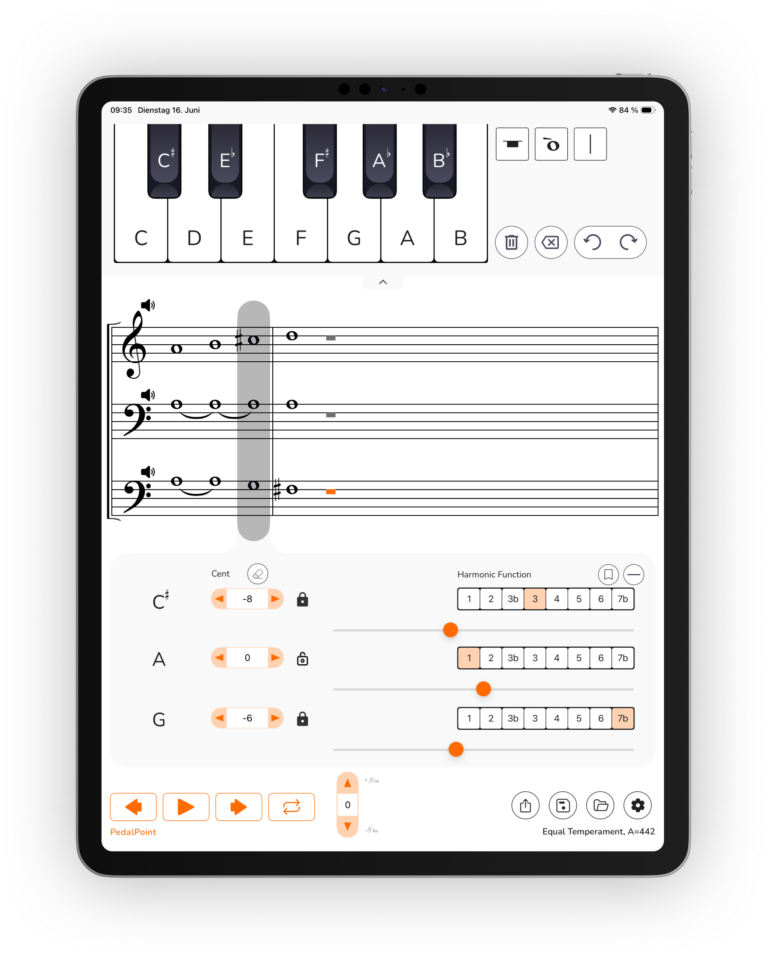
Practice intonation in a harmonic context, like in chamber music or orchestra. Given a root note the app will automatically assign the harmonic function to each note. All notes will be fine-tuned to match the root note in just intervals. Play through a progression and develop an understanding for what is your place in harmony.
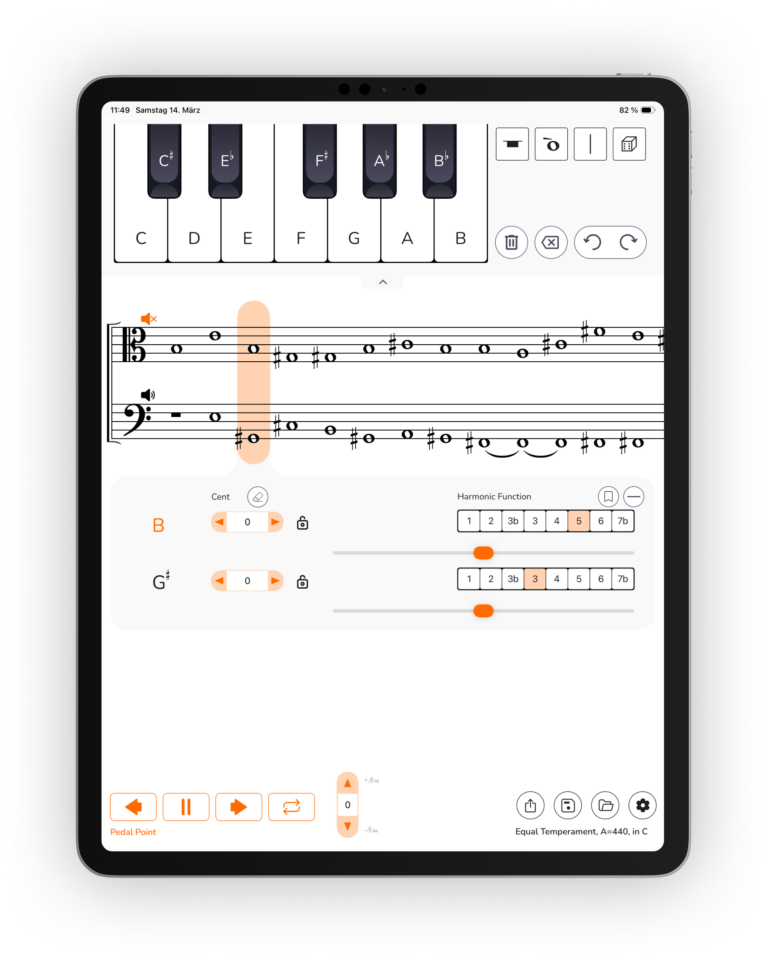
Mute any of the parts. Like this you can decide if you want to practice
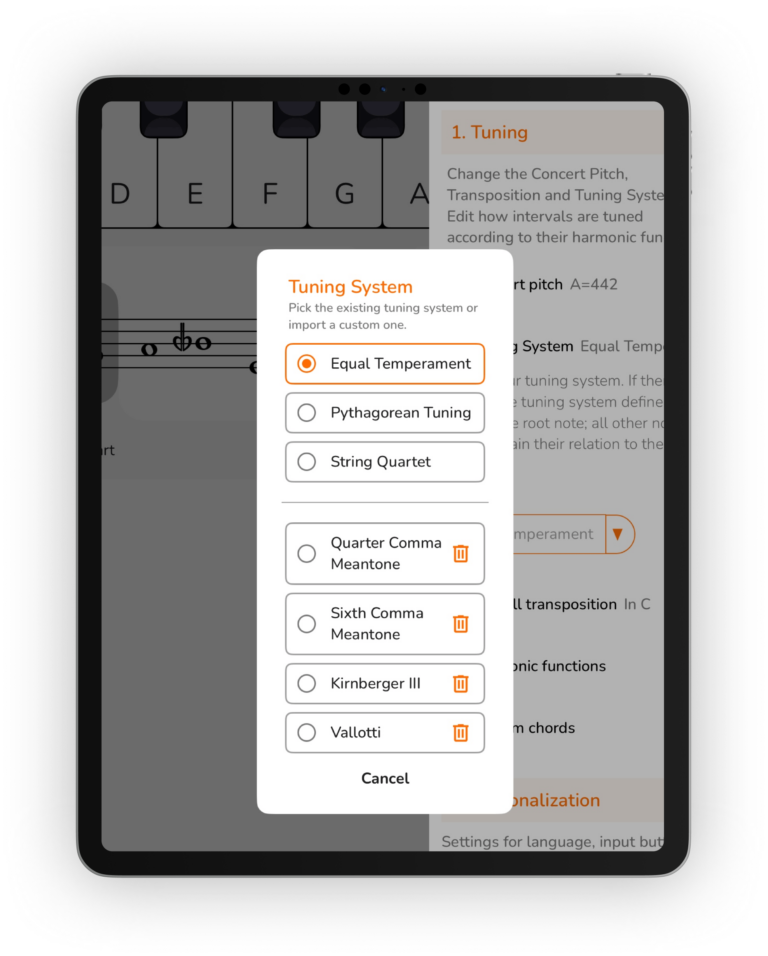
Select a tuning system that fits your playing. Choose from a list of various tuning systems or import an individual tuning system. Practice expressive intonation (pythagorean tuning) or master a historic tuning system like meantone temperament.
Use the intonation box to alter the pitch of each individual note. You can define its cent value or you can tune it by ear, using a slider. Use the lock to detune a group of notes together. In combination with the feature of harmonic functions you have a powerful tool to figure out the best intonation for any piece of music.
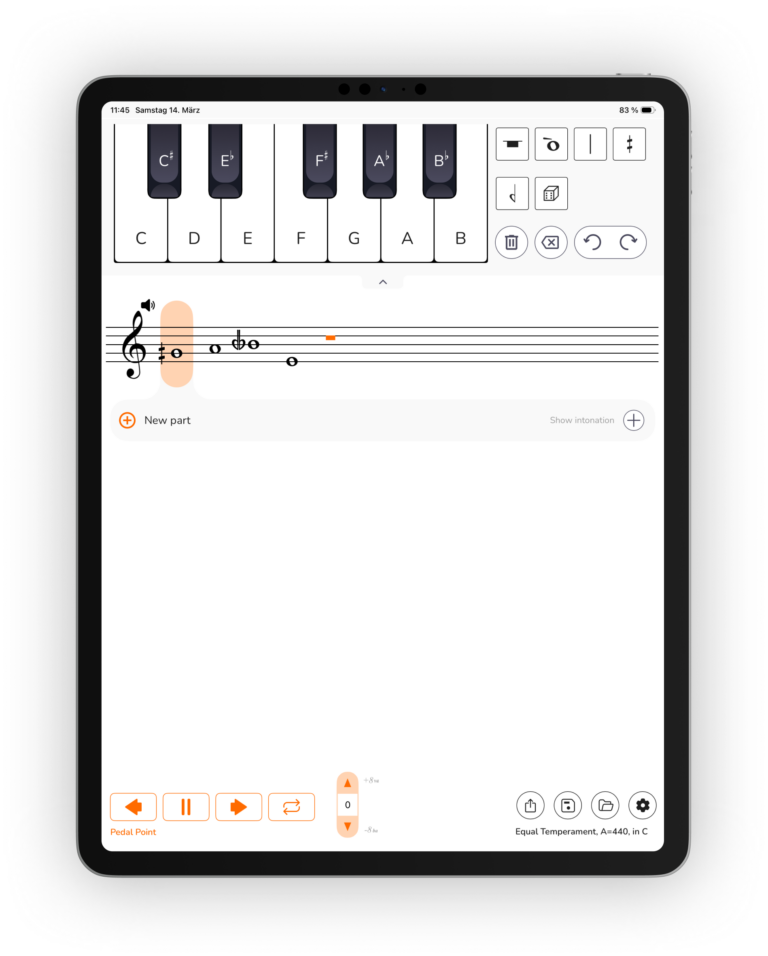
Practice to play quarter tones accurately. You can enter a quarter tone by adding a half-sharp/half-flat to a note. Using PedalPoint, you have a straight forward method to master the challenges of contempoary music.
Supported OS versions: iPadOS 18+
iPad Pro
• iPad Pro (M4) — 11-inch & 13-inch.
• 12.9-inch iPad Pro — 3rd gen and up
• 11-inch iPad Pro — 1st gen and up
iPad Air
• iPad Air (M2) — 11-inch & 13-inch, plus
• iPad Air — 3rd gen and up
iPad (standard)
• iPad — 7th gen and up
iPad mini
• iPad mini — 5th gen and up