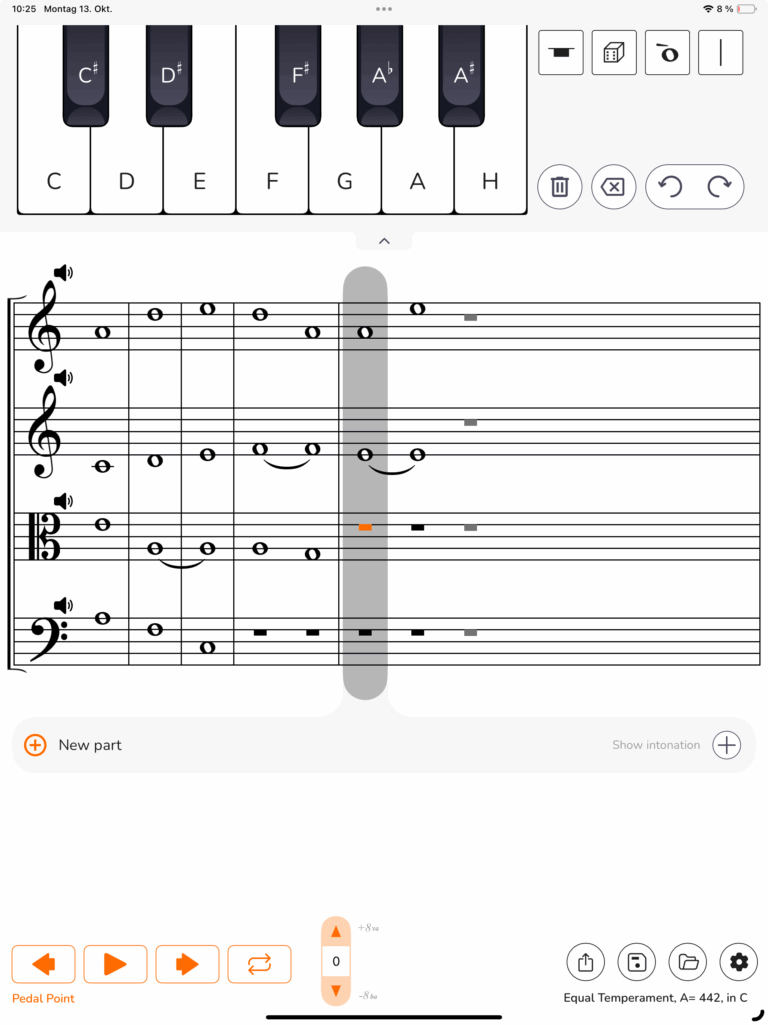

PedalPoint App

PedalPoint for iPad

An app for string and wind players

Practice together with the sound of real instruments.
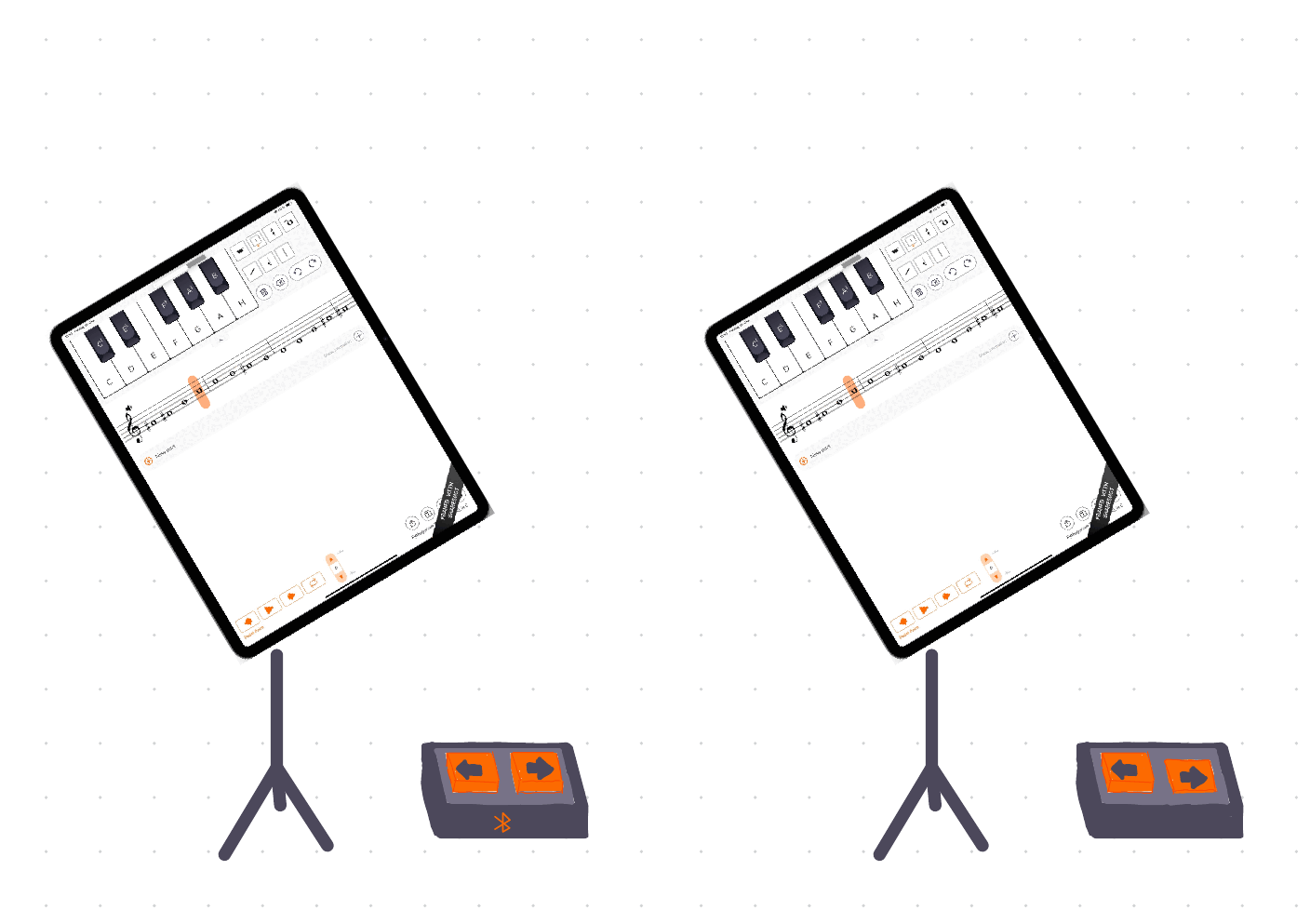
Change your reference tones hands-free using your bluetooth pedal.

Voices from professionals

“I’ve just downloaded PedalPoint and I’m very impressed with it. I want all of my students to use it. I wish I had had an app like this when I was a student! Leon, I’m really excited about your app, and I think it’s a wonderful tool not only for students, but also for professional musicians.”

Robert Pickup
Solo Clarinet of Philharmonia Zurich
I am a student and I use it every day for my warm up. My intonation improved drastically.
Max Mathews
Student of Violin
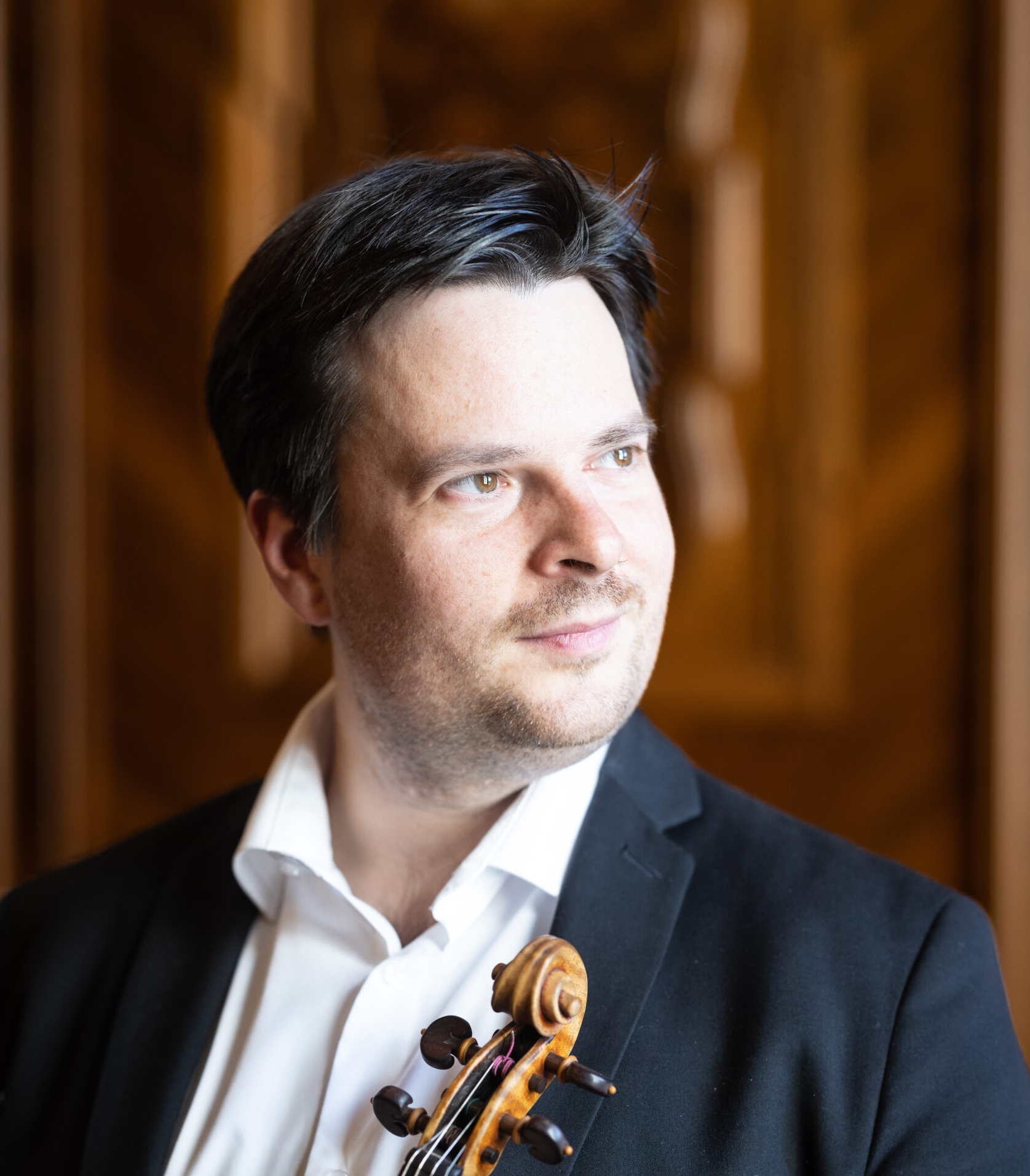
“The app is absolutely brilliant! Just as teachers always preach practicing with a metronome, I would preach using PedalPoint for intonation in the same way. For any musician playing an instrument where intonation matters, this app will be just as essential as the metronome. This is big! Really, really big..!”
Stefan Tarara
Member of the Stradivari Quartet
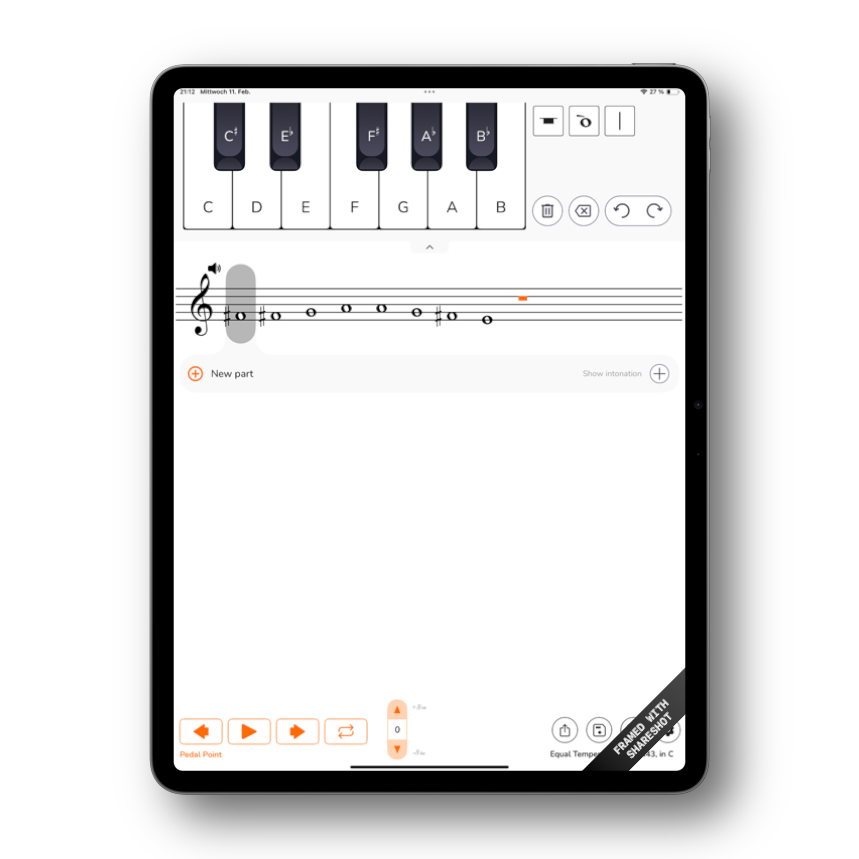
Type in a sequence of notes, like

  • The melody to play along
  • The bass line
  • Underlying harmonies

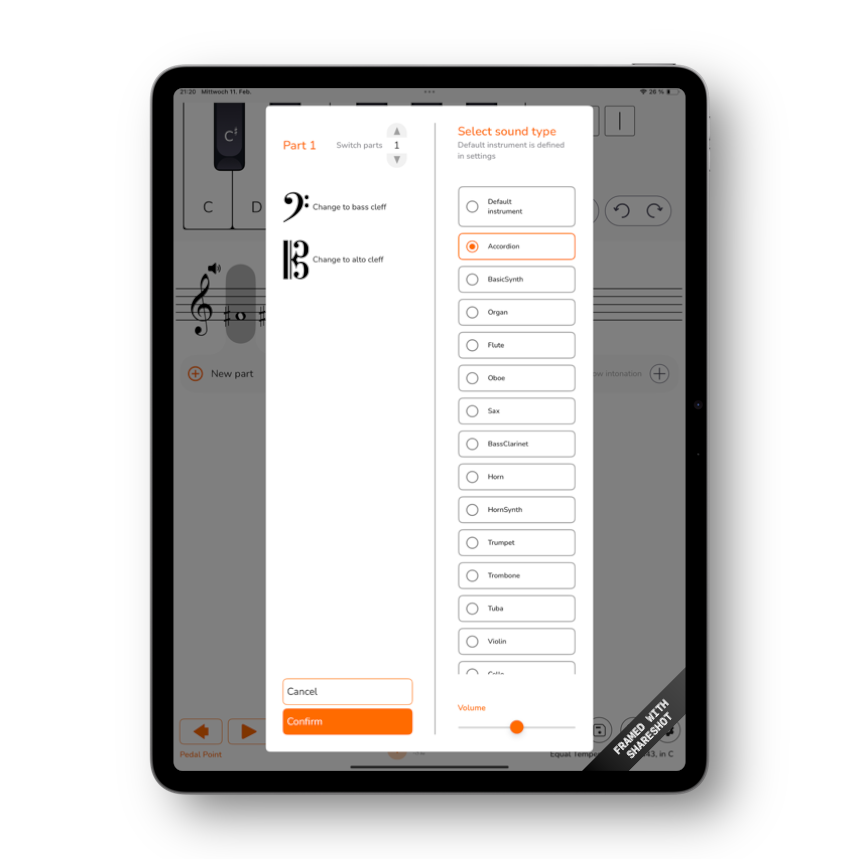
Chose a sound

  • A wide variety of instruments
  • Real sound (Not midi)
  • By professional musicians

Practice

  • Let the app play a sustained note
  • Match it with your playing
  • Move on hands-free
  • No right or wrong
  • No blinking green lights
  • Listen! Practice intonation with your ear. On stage, nothing else can help
  • Practice alone how to play with others
  • Deepen your intuition for harmonies

Download on the App Store!

The App is free. No Ads or In-App Purchases.
Please just improve your intonation!

Discover amazing features

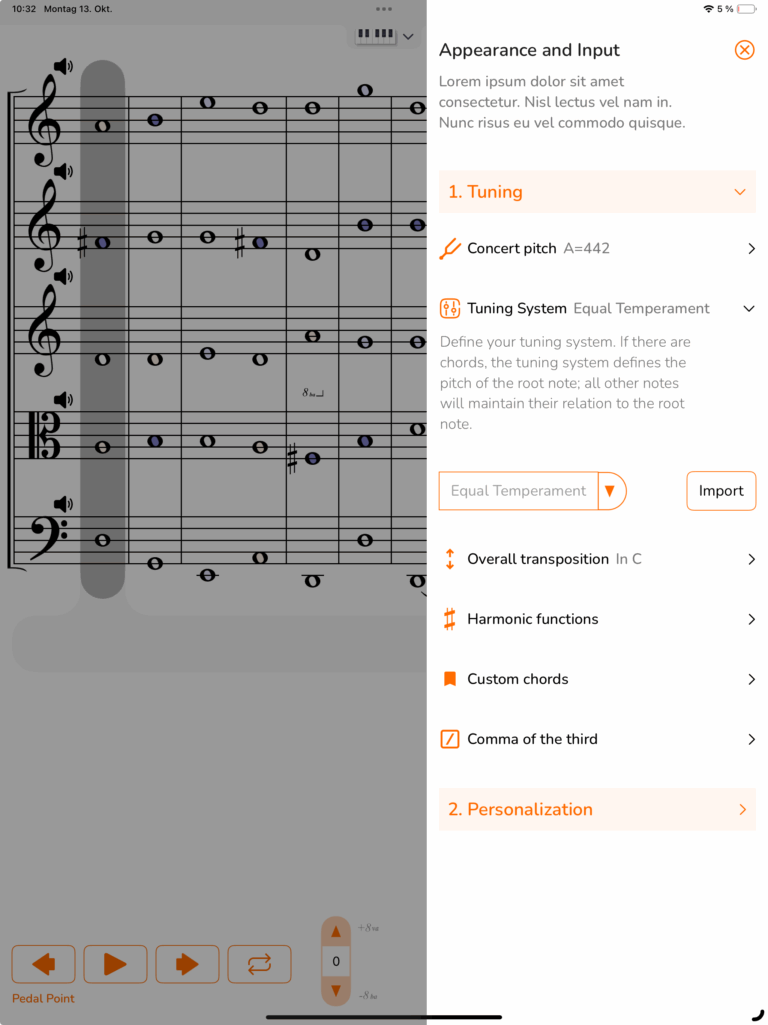
Concert Pitch and Transposition

Choose the concert pitch that you are working with. The app also allows you to do a transposition. If you are playing for example the Bb-Clarinet, you can use the app most comfortably in Bb. The app will remember your choice and you can always change it in the settings. If you are using a historic tuning, the app allows you to go down to A = 413 Hz or even lower.

Instrument Sound.

Choose the sound from a selection of over 15 instruments. The Library is carefully crafted from studio recordings of professional musicians. Each sound can be sustained infinetely as a drone. To make this possible without any audible looping point, an innovative playback method was developed. 

You can select different sound for each part to hear how your sound mixes in ensemble.

Save and Share

Save your exercises in the app to quickly access them in your future sessions. Share the exercise with your colleagues via AirDrop or send it as a file. Download exercises for audition repertoir from this link.

Note Input

Use the piano keyboard to type in a sequence of notes or chords. Use the drag and drop function to insert a note in the middle. Use the multitouch function to insert a chord.

Harmonic Functions

Practice intonation in a harmonic context, like in chamber music or orchestra. Given a root note the app will automatically assign the harmonic function to each note. All notes will be fine-tuned to match the root note in just intervals. Play through a progression and develop a feeling what is your notes place in harmony.

Tuning Systems

Select a tuning system that fits your playing. Choose from a list of various tuning systems or import an individual tuning system. Practice expressive intonation (pythagorean tuning) or master a historic tuning system like meantone temperament.

Pitch control

Use the intonation box to alter the pitch of each individual note. You can define its cent value or you can tune it by ear, using a slider. Use the lock to change to detune a group of notes.

Quarter Tones

Practice to play quarter tones accurately. You can enter a quarter tone by adding a half-sharp/half-flat to a note. Using PedalPoint, you have a straight forward method to master the challenges of contempoary music.

Pedal Control

Use your bluetooth pedal (page turner) to control the playback. Press the right pedal to move to the next note, and the left pedal to go back. This way you can take as much time as needed to fix the intonation at each point.

Requirements​

Supported OS versions:

iPadOS 18+

iPad Pro

* iPad Pro (M4) — 11-inch & 13-inch.
* 12.9-inch iPad Pro — 3rd gen and up
* 11-inch iPad Pro — 1st gen and up

iPad Air
* iPad Air (M2) — 11-inch & 13-inch, plus
* iPad Air — 3rd gen and up

iPad (standard)
* iPad — 7th gen and up

iPad mini
* iPad mini — 5th gen and up